Unlocking seamless remote creative workflows
An artist opens Nuke on Monday morning, DCV streams their GPU workstation’s desktop from a data center two floors down (or in a Cloud machine halfway across the continent), their Cintiq tablet is on their desk.
When they pick up their Wacom pen, they know it will work exactly as if they were sitting next to the machine.
That is where Media & Entertainment remote production has arrived. Here’s an overview of the two technologies that made it possible together.
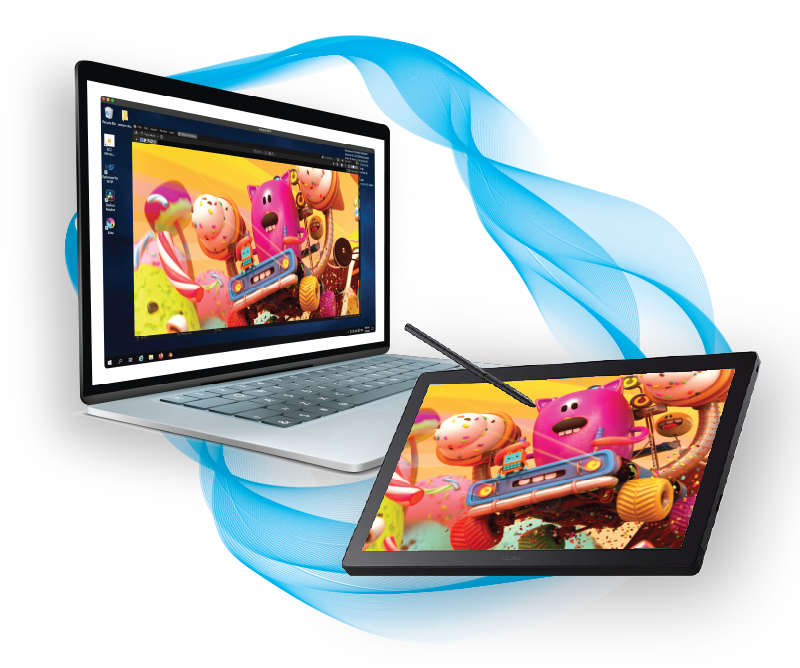
BENEFITS of distributed workflows for M&E
Distributed studio work was already a trend before 2020, and it became the default after 2020. Studios needed to access global talent pools, keep artists working across time zones, and cut the cost of centralized office space.
Remote workflows provide tremendous advantages:
- With DCV, GPU-intensive applications (Maya, Nuke, Houdini, DaVinci Resolve…) can now run at full speed remotely: artists tap into serious GPU compute from any screen, opening the same demanding compositing pipelines they would on-site, without waiting or compromising on what they can work with.
- Software licenses stay exactly where they make sense, and reach artists wherever they are: floating license servers and workstation-bound licenses no longer limit access to people physically present in the studio.
- And now with Wacom Bridge, pen tablets deliver the responsiveness artists need, regardless of location: pressure curves, tilt response, and barrel buttons stay precise, preserving the quality of work for digital artists, compositors, and colorists.
Bringing these three pieces together is what makes smooth, full-power remote work possible for M&E artists.
DCV: a POWERFUl GPU workstation, from anywhere
DCV (distributed by NI SP) streams desktops from a GPU server to any screen. The artist sees a live, interactive desktop, running the GPU-accelerated application the studio has installed.
DCV streams in YUV 4:4:4 lossless color, the same color depth colorists and VFX artists work with locally, which matters when color accuracy is the entire point of a review. Multiple monitors are supported natively, up to four 4K displays, matching the multi-screen compositing and grading setups studios already use. Sessions can be shared live too: a supervisor and an artist can look at the same shot together from different locations, without sending files back and forth. And because DCV streams only pixels, project files, unreleased footage, and source assets never leave the server, a detail that matters for studios handling pre-release content.
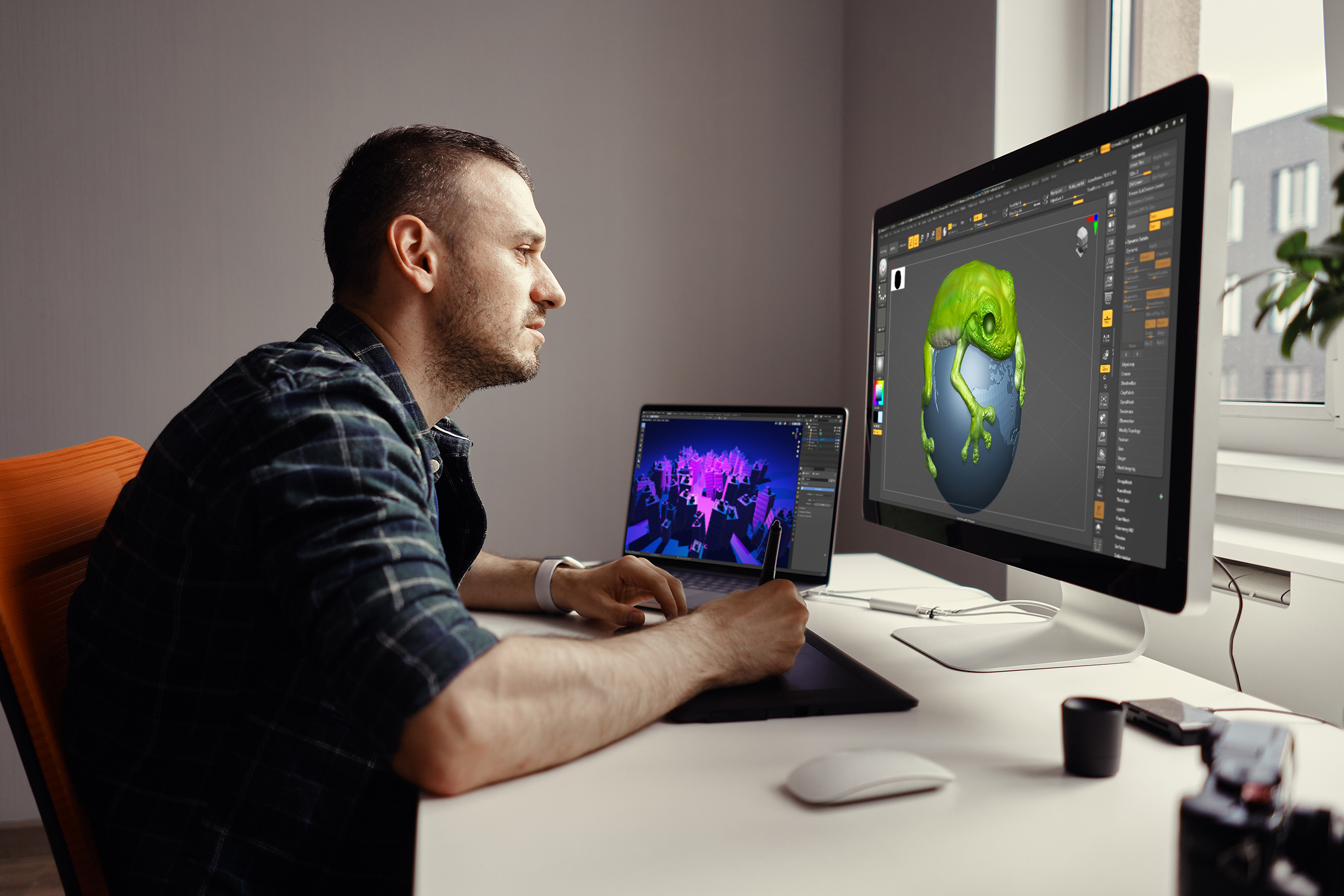
GPU sharing on Linux is another capability that matters greatly for M&E studios: one physical server with a high-end NVIDIA GPU can support 10+ concurrent artists simultaneously, each getting real GPU performance, dynamically allocated with no hypervisor, no virtual machine overhead and no NVIDIA Grid or vGPU licensing on top.
With DCV, the studio’s compute infrastructure is a login away for every artist, wherever they are. Licenses stay server-side, floating licenses consumed only when used, by the right people, from any location, and new artists can onboard without new hardware.
Major M&E studios trust DCV for their remote creative workflows
- Netflix uses DCV to operate a VFX cloud studio running on AWS EC2 G4 instances, with artists globally streaming GPU workstations without launching a full local desktop.
- Shed Inc., a Montreal VFX studio, migrated from HP RGS ZCentral to DCV and described the result as “a scalable, future-ready solution” that boosted efficiency immediately.
- FilmLight pushed further still, using DCV as the foundation for a next-generation remote color grading setup.
WACOM BRIDGE: making the pen feel right, REMOTELY
With DCV in place, the screen problem is solved: artists can access their workstations, their apps, their licenses. Now, how to make them feel at home when they pick up their Wacom pen?
The standard approach in remote desktop protocols is USB redirection: the tablet is forwarded over the network as a USB device. In practice, such implementations struggle to make the pen feel right and overcome the usual drawbacks: latency spikes, dropped pressure events, unreliable tilt detection, etc.
Wacom Bridge is a different approach entirely: with its native integration between the Wacom driver stack and DCV, the pen data travels through the same low-latency, bandwidth-adaptive channel that DCV uses for the display stream.
The result: up to 65% reduced pen latency compared to standard remote tablet redirection, full pressure sensitivity and tilt preserved, wintab and Wacom Inkline support included. Pen settings (calibration, pressure curves, button mapping) stay consistent between local and remote sessions.
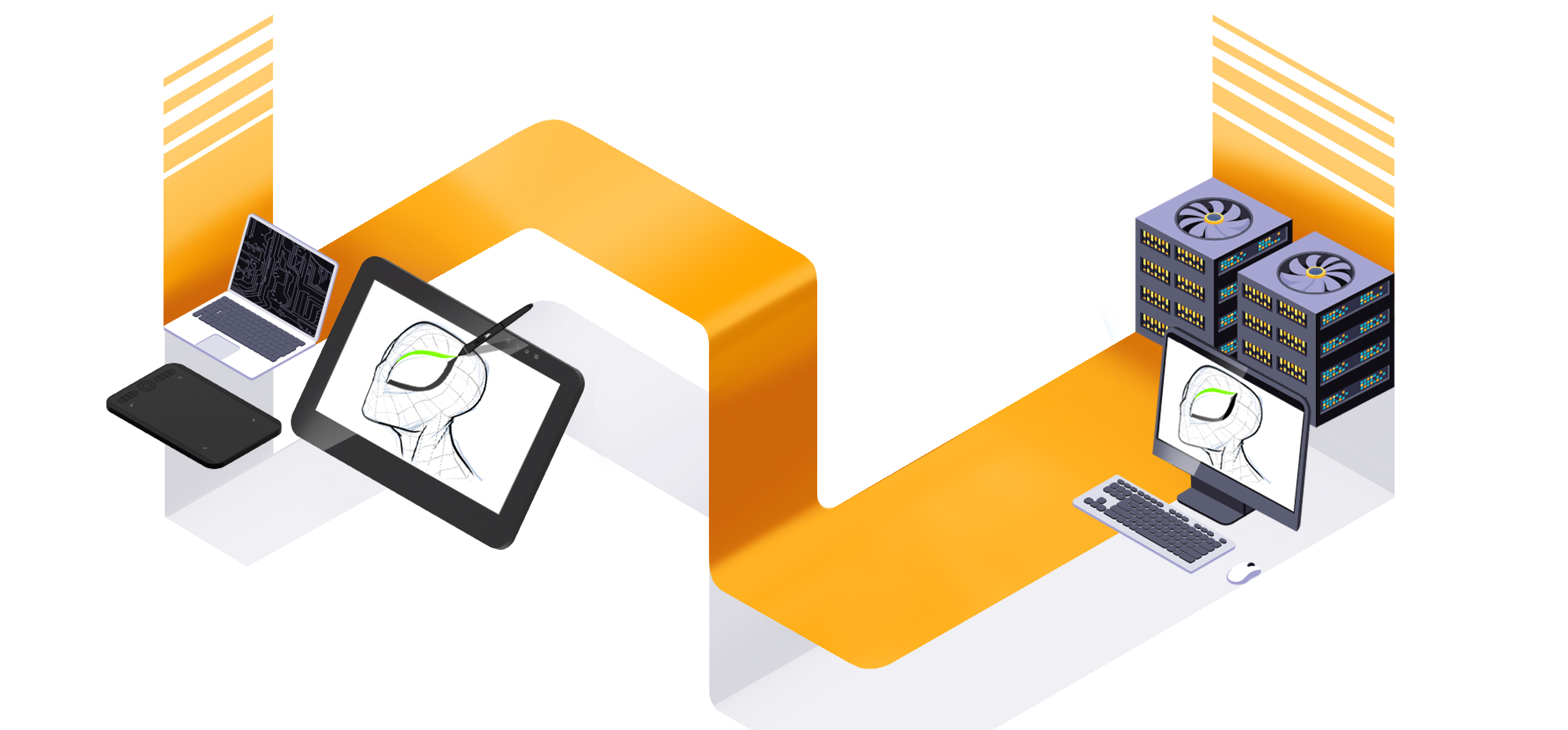
For creative professionals, this means their Cintiq, Cintiq Pro or Intuos Pro tablets behave the same at home as they do in the studio. Or, as in the case of one DCV customer who migrated from HP Anyware put it more simply: “Very great performance, very easy to configure, very good latency with Wacom Intuos and Cintiq.”
Wacom Bridge is what closes the loop for M&E: DCV lets artists take their desktop anywhere, Wacom Bridge lets them take their creative tools with it. Brought together, the combination of Wacom Bridge and DCV delivers a remote workstation that is powerful, input-reactive, license-equipped, and shareable, without the artist noticing the distance.
Taken Media trusts DCV and Wacom Bridge for their remote workflows

Taken Media
“DCV and Wacom Bridge let our artists work the same way no matter which of our multiple locations they’re connecting from. The image is accurate with full detail and no compression even at 4K. That’s been a game changer for our day-to-day work.”
BENEFIT FROM WACOM BRIDGE WITH DCV NOW

Wacom Bridge now supports Linux servers (beta)! Contact us for early access.
Learn more about Wacom Bridge – Streamlining remote creative workflows.
Try DCV for free – 30-day trial, no commitment.
Install DCV + Wacom Bridge in 1 minute – Step by step in the video below:
NI SP is an official distributor of Amazon DCV and Wacom Bridge for DCV. Get in touch if you want help setting this up for your studio.
FREQUENTLY ASKED QUESTIONS
IS DCV + wacom bridge compatible with my system?
DCV supports a wide variety of client and server systems (Windows, Linux, macOS). Complete requirement specifications are available at:
• Requirements for DCV clients
• Requirements for DCV servers
Wacom Bridge is compatible with Windows servers, and a beta version is now available for Linux servers (contact us to get early access). Check out the complete hardware requirement at:
• Wacom Bridge hardware requirements
• Wacom Bridge support resources