PROFESSIONAL access management and connection brokering for DCV environments
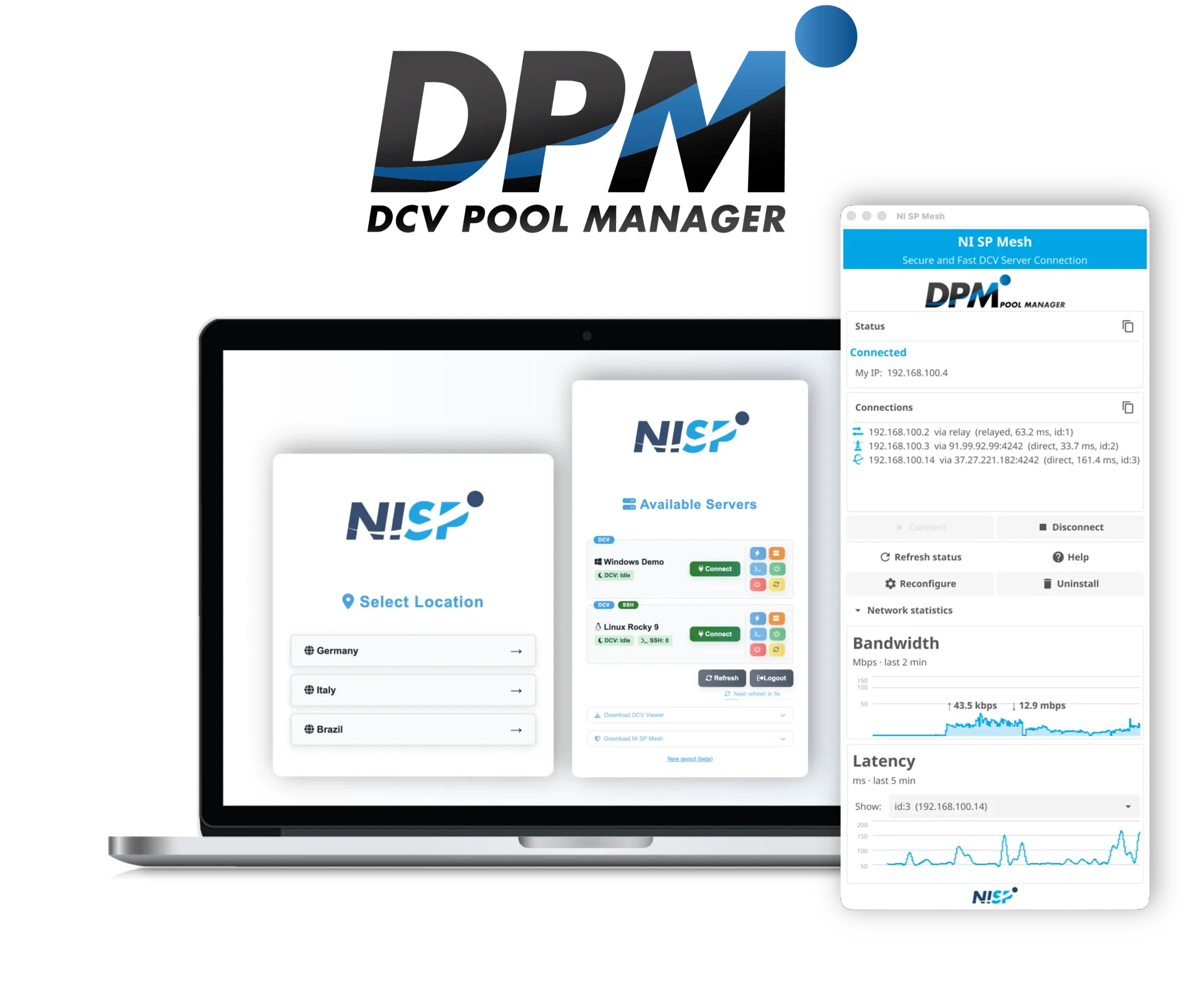
DPM is NI SP’s VFX / M&E focused DCV pool management solution for organisations running a farm of DCV servers. It gives users a single, secure entry point to their remote workstations, and offers administrators full visibility and control over who connects to what, from a clean browser-based interface. Flexible by design. Straightforward!

DCV’s Native Pool Manager
ADAPTING by design
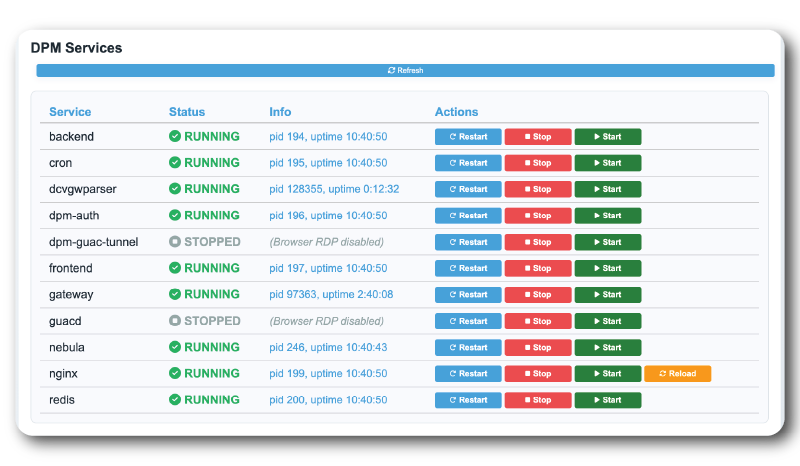
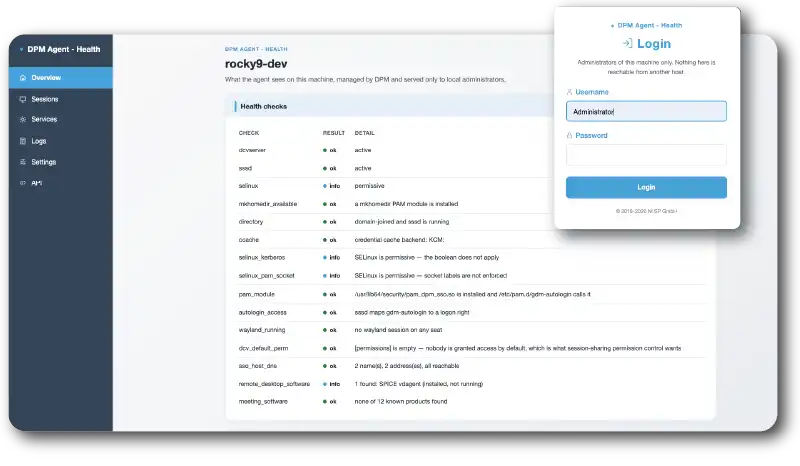
Deploy agentless for lightweight environments, or install the optional DPM Agent to unlock full visibility: remote log collection, live log streaming, Kerberos SSO, server health monitoring, and a local health page on every DCV server.

SECURE FROM THE GROUND UP
Every connection is authenticated via encrypted, time-limited, IP-bound access tokens. MFA is built in. LDAP, Active Directory, and PAM integrations are supported out of the box. DCV servers never need to be exposed to the internet.

FULL TRANSPARENCY
Real-time session metrics, RTT monitoring, bandwidth and packet loss tracking, all piped into a dashboard with configurable alerts. Know exactly what’s happening across your entire DCV fleet at any moment.
Everything you need to run DCV at scale
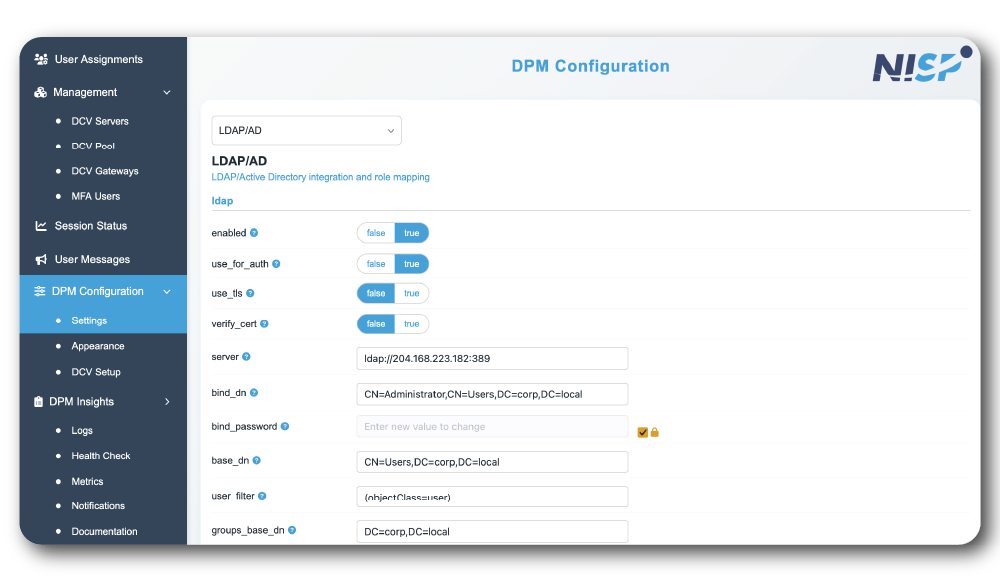
Web-based pool and user management
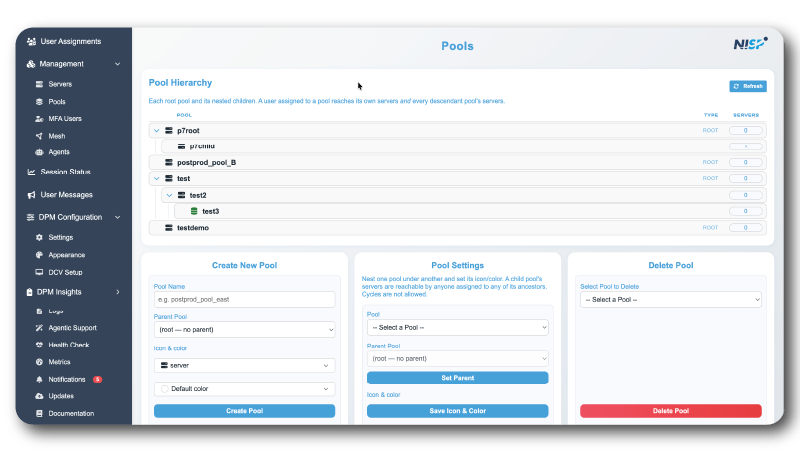
Assign servers to users or pools from a clean admin interface. Monitor active sessions, reassign workstations, and manage your entire fleet without touching a command line.
AUTO CONNECT
Users can be automatically routed to their assigned workstation or to the next available server in a pool: removing friction and eliminating manual session setup.
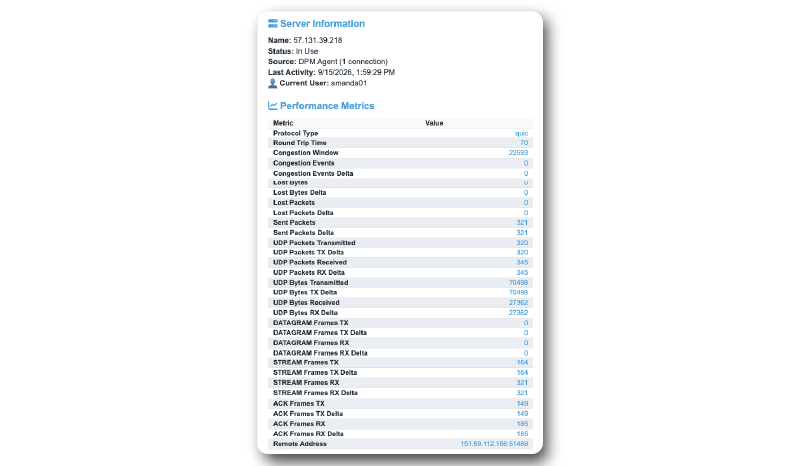
PERFORMANCE METRICS
Display round-trip times, bandwidth, frame statistics, and packet loss per session, directly in the DPM interface or in a Grafana dashboard. Identify bottlenecks before they affect your users.
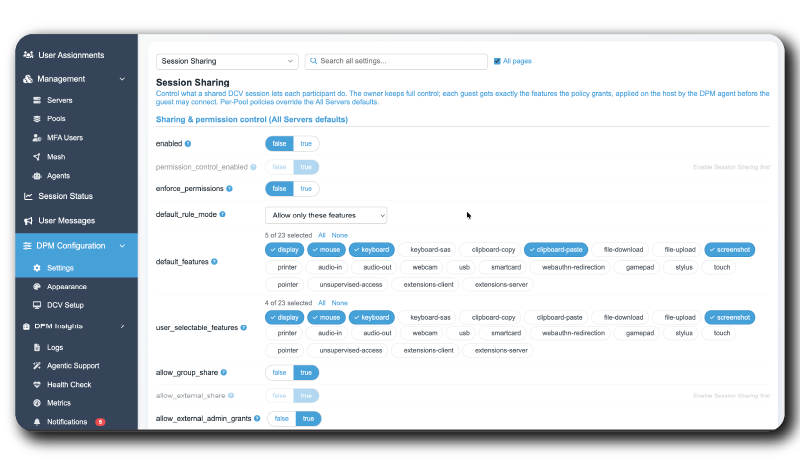
SESSION SHARING & CONTROL
Share a DCV session with multiple users for collaboration, review, or support: with granular control over what each guest is allowed to do. Administrators can force-disconnect or force-log-out any user instantly when a workstation needs to be reassigned.
HIGH AVAILABILITY
DPM supports multiple DCV Gateways and redundant backend servers (HA configuration with Redis + MySQL) for production-grade reliability.
CUSTOM ACTIONS
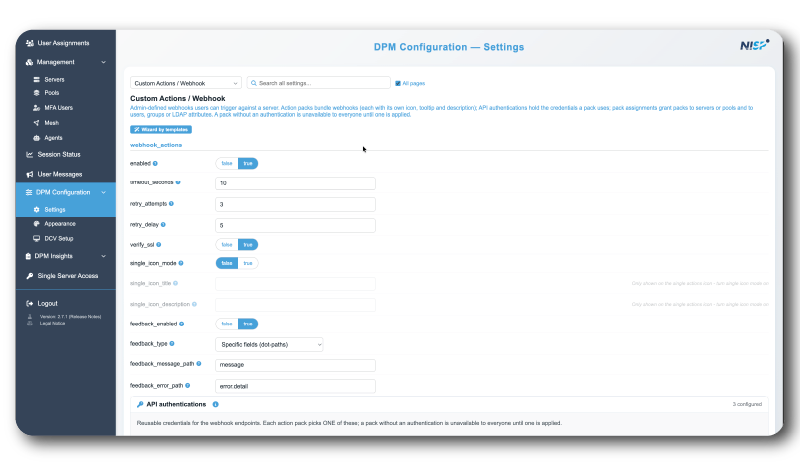
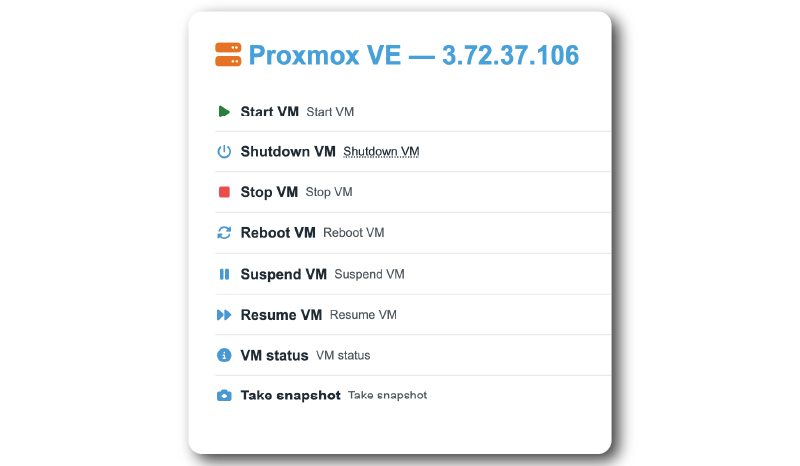
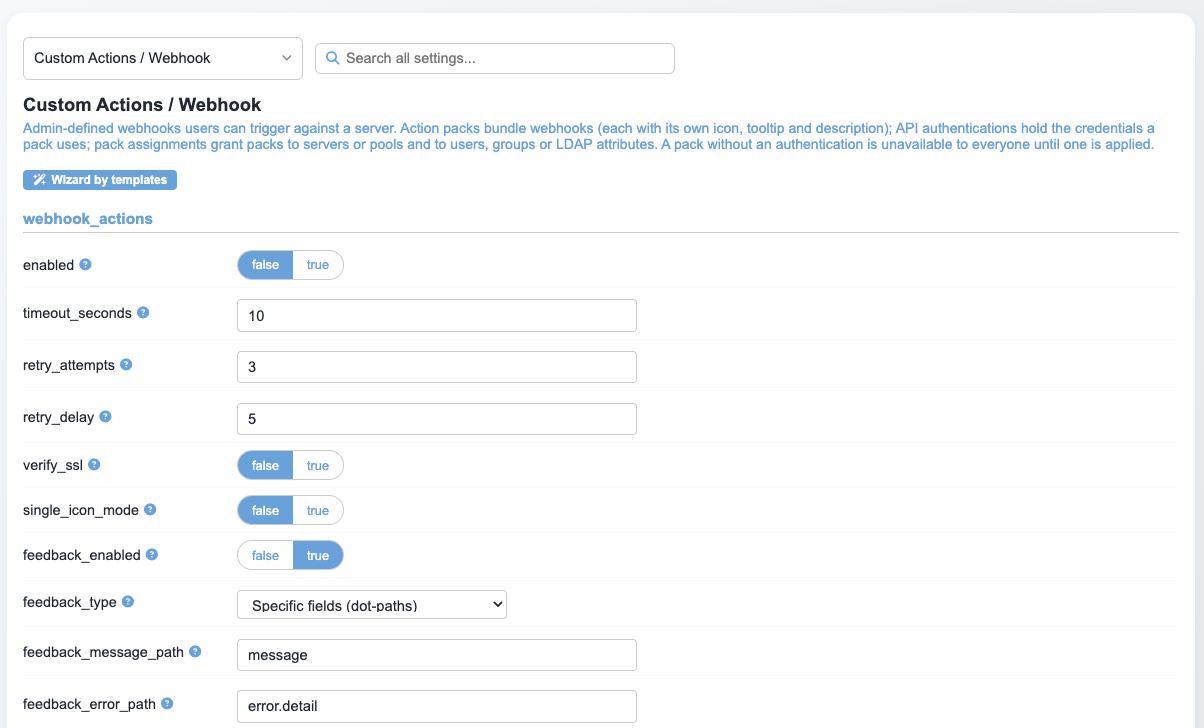
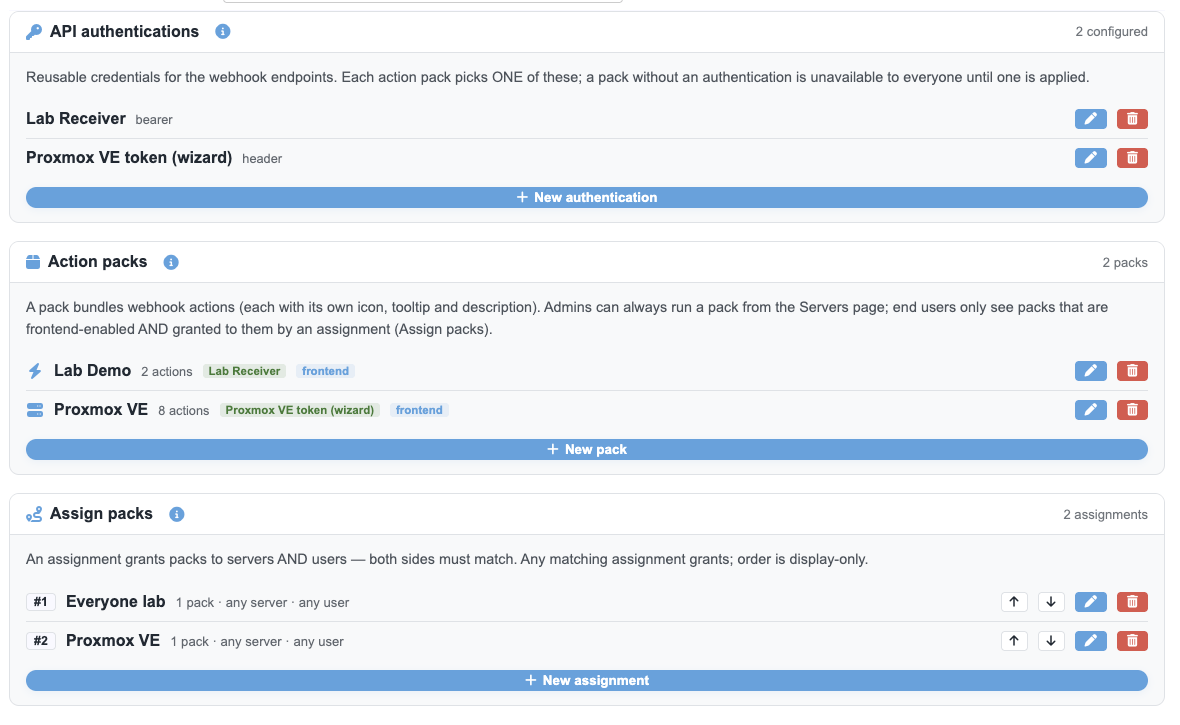
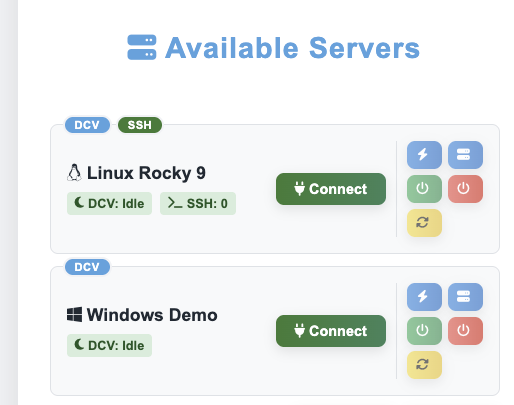
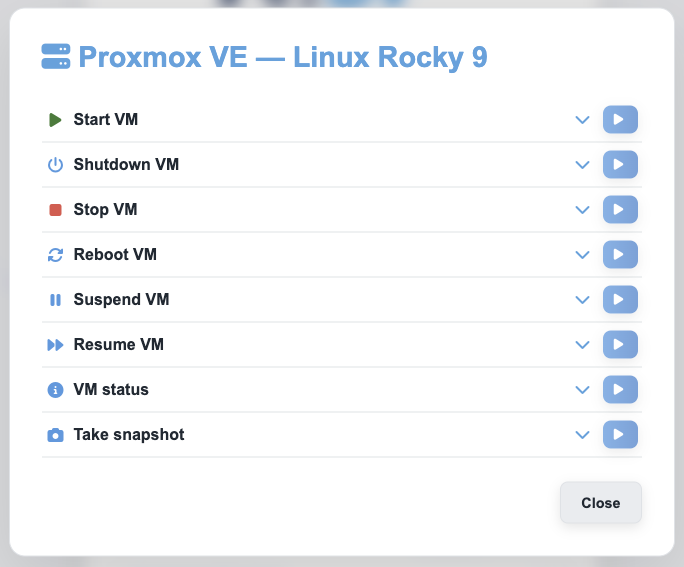
Add one-click buttons to the DPM interface that trigger webhooks against any server. Comes with a ready-made Proxmox VE template (power on, power off, reboot, snapshot) with per-server targeting, built-in authentication, and every execution logged.
Integrated Mesh support
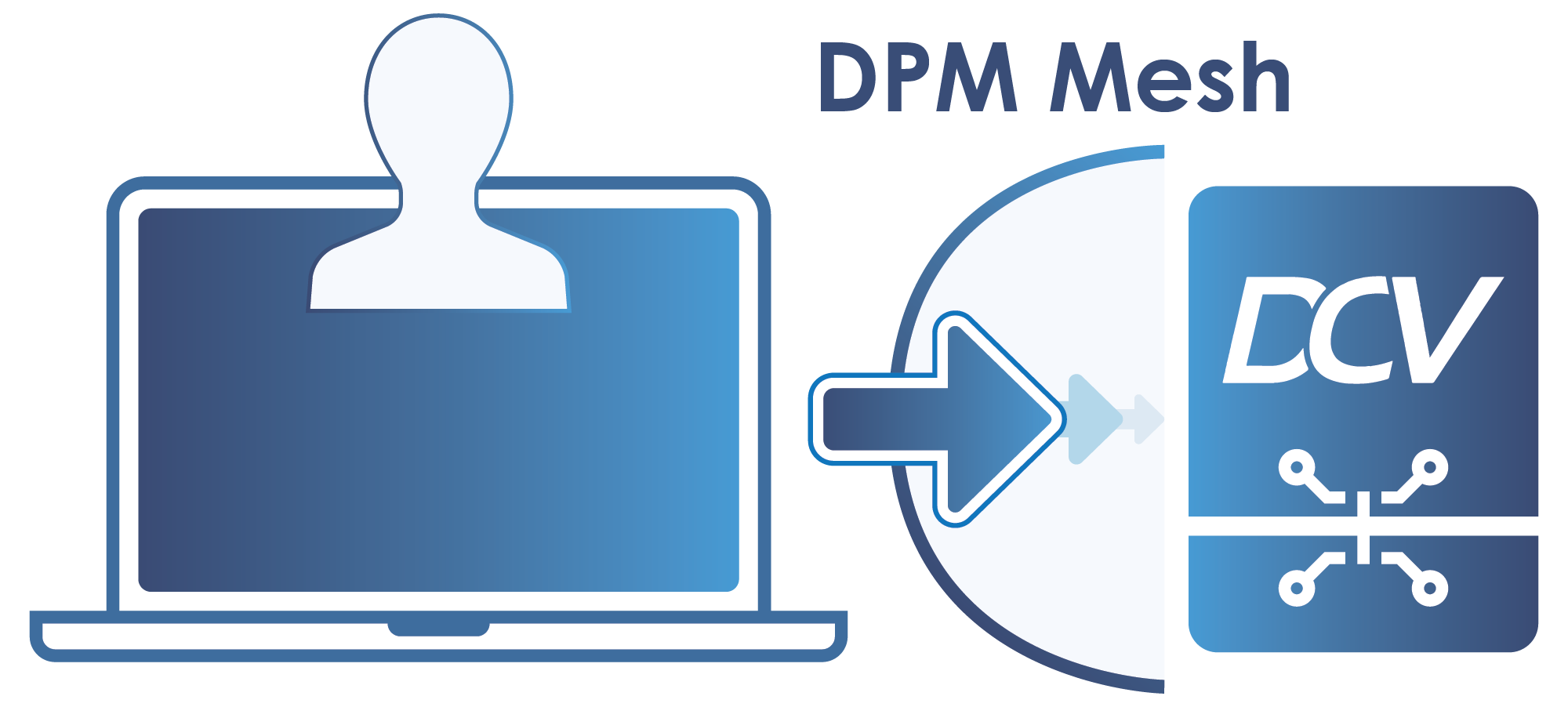
DPM’s built-in mesh network connects users directly to their DCV servers: no dedicated VPN concentrator or gateway hardware required. One less piece of infrastructure to deploy, and improved latency.
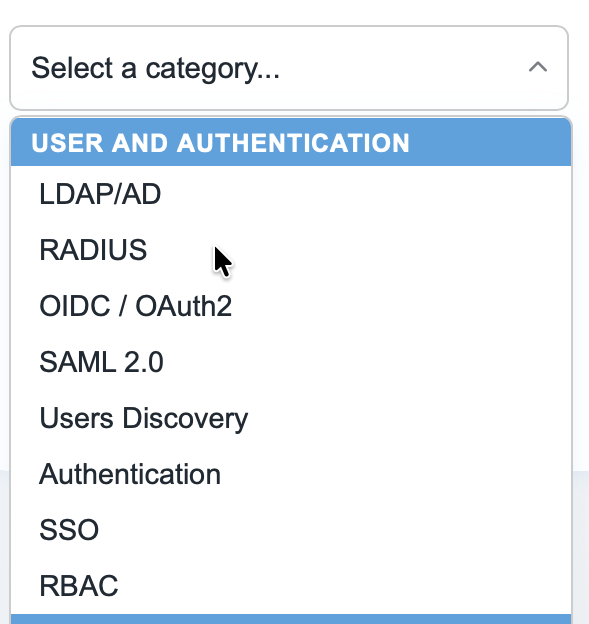
LDAP, AD, RADIUS, SAML, OIDC integration of Front-End and Back-End
DPM connects to your existing identity provider across both the user portal and the admin backend.
PERMISSION CONTROL
Define exactly who can access which workstation or pool, and assign granular admin roles with RBAC. Permission changes apply instantly across your entire fleet.
REMOTE LOG COLLECTION & METRICS
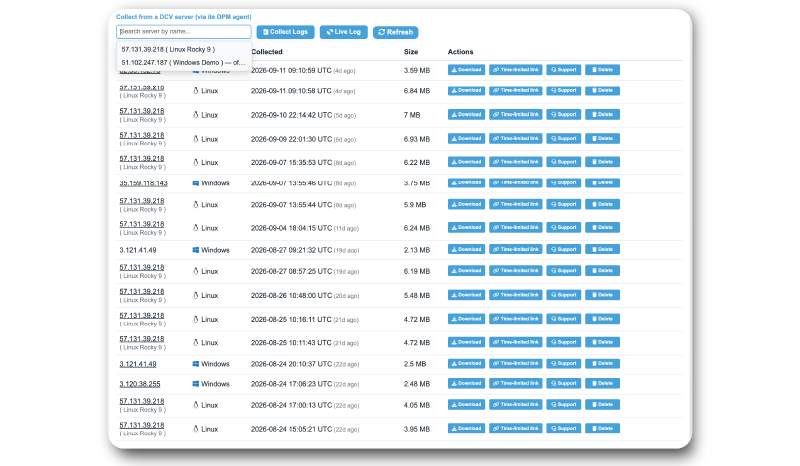
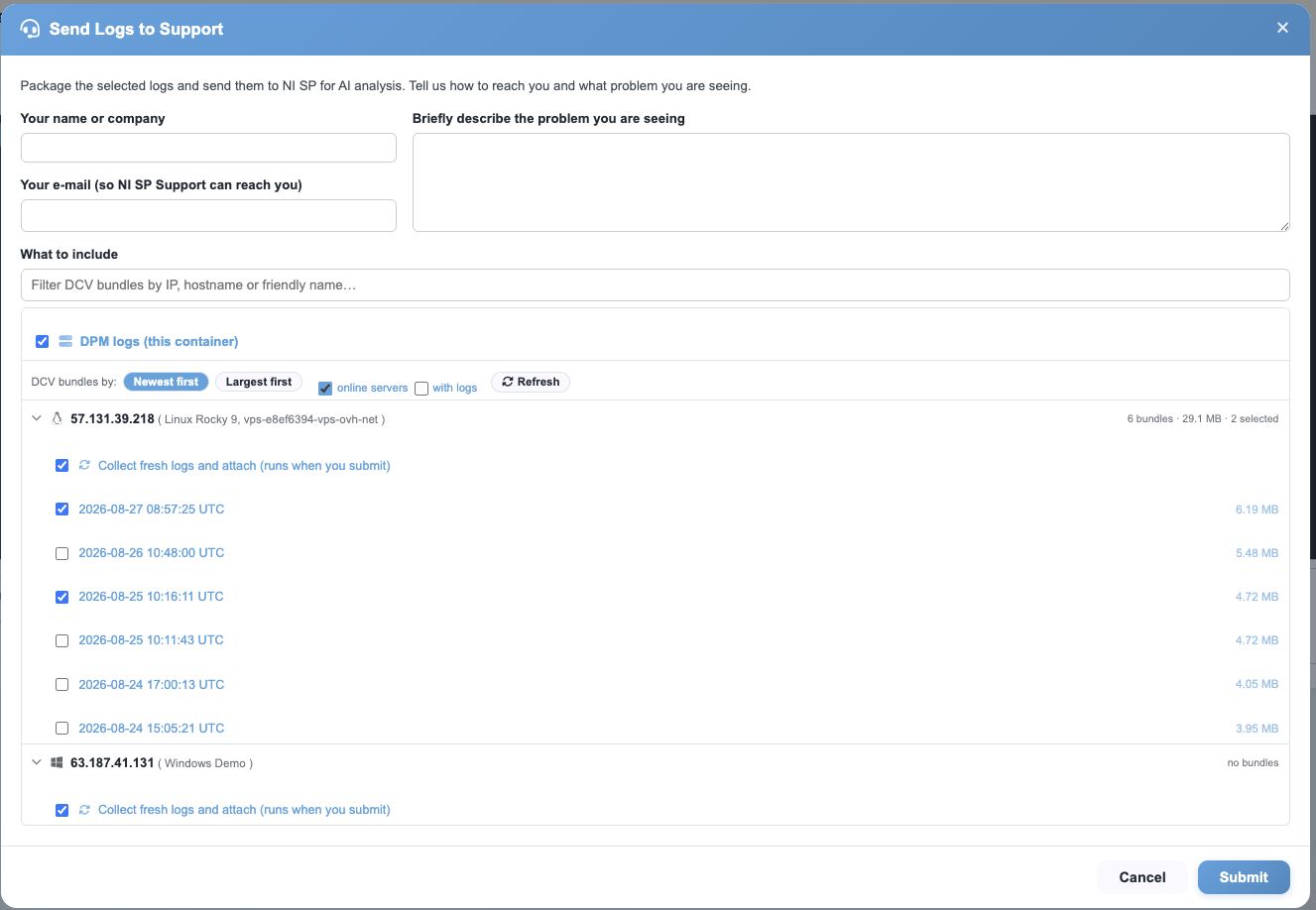
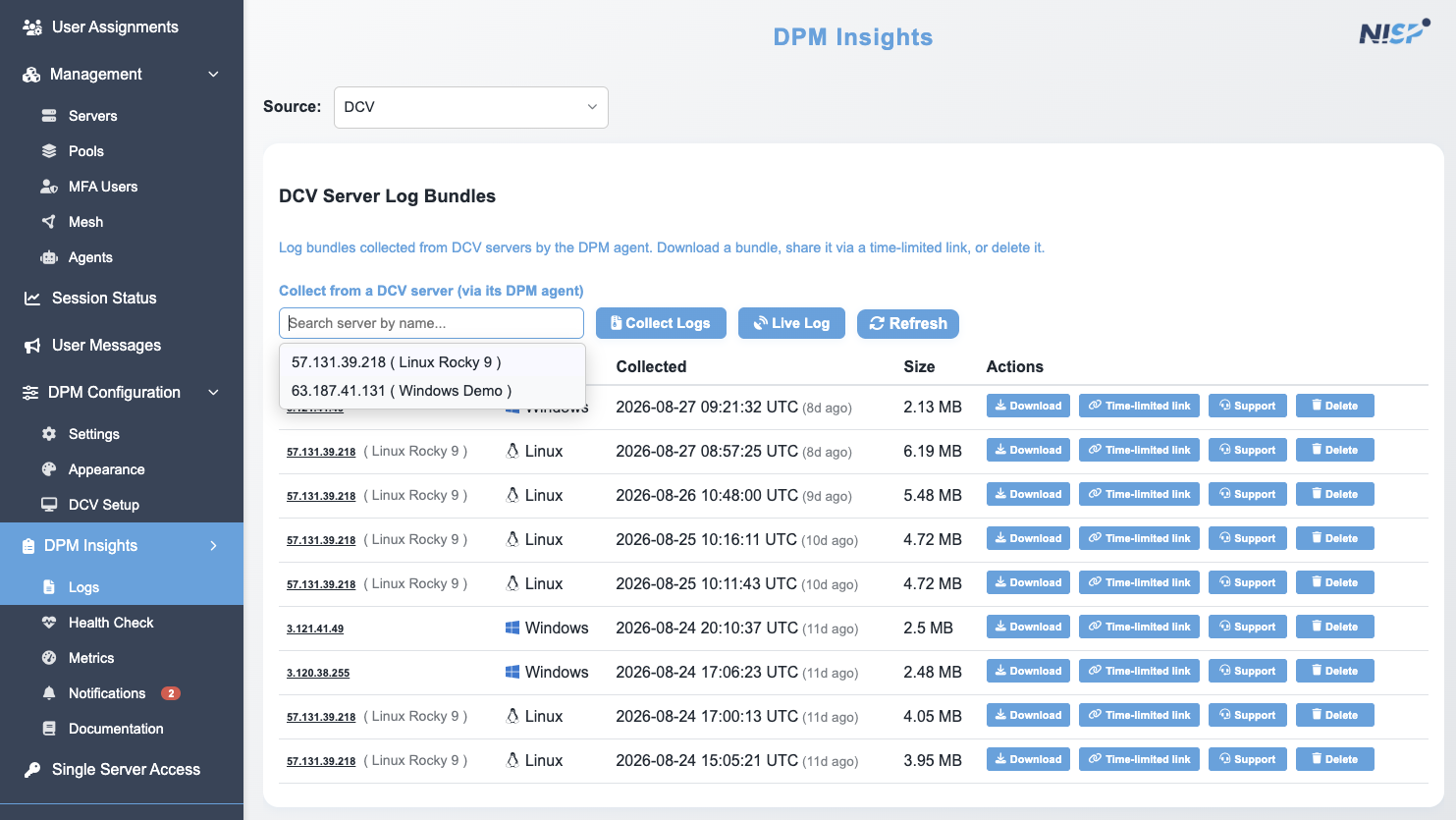
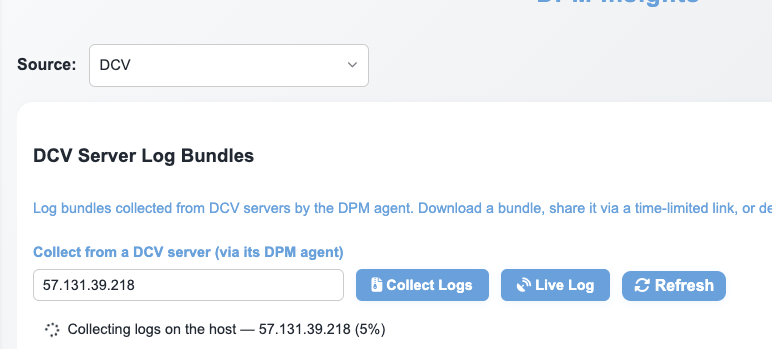
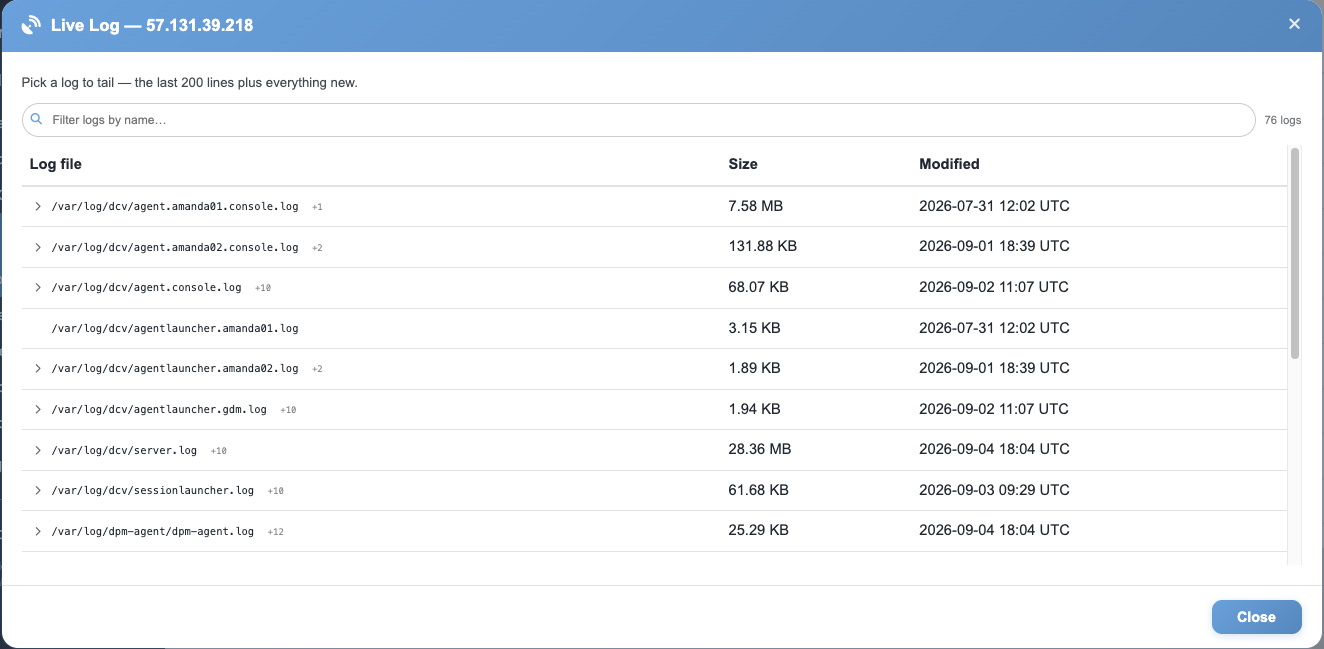
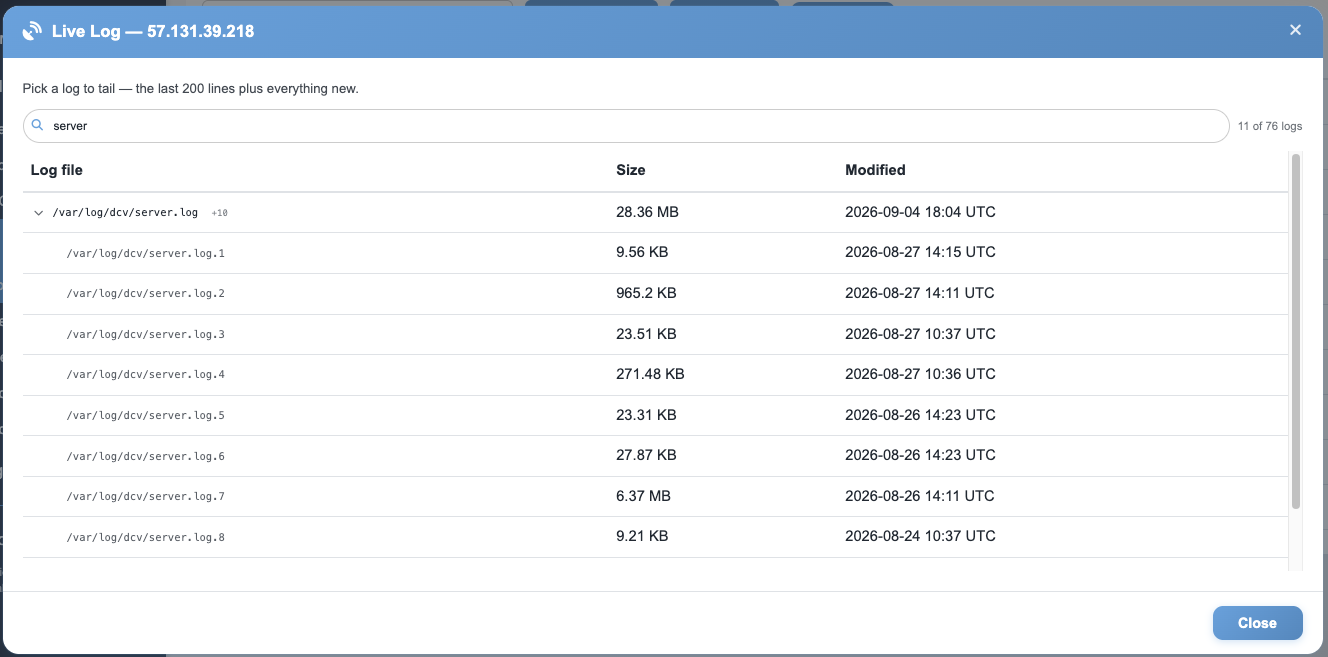
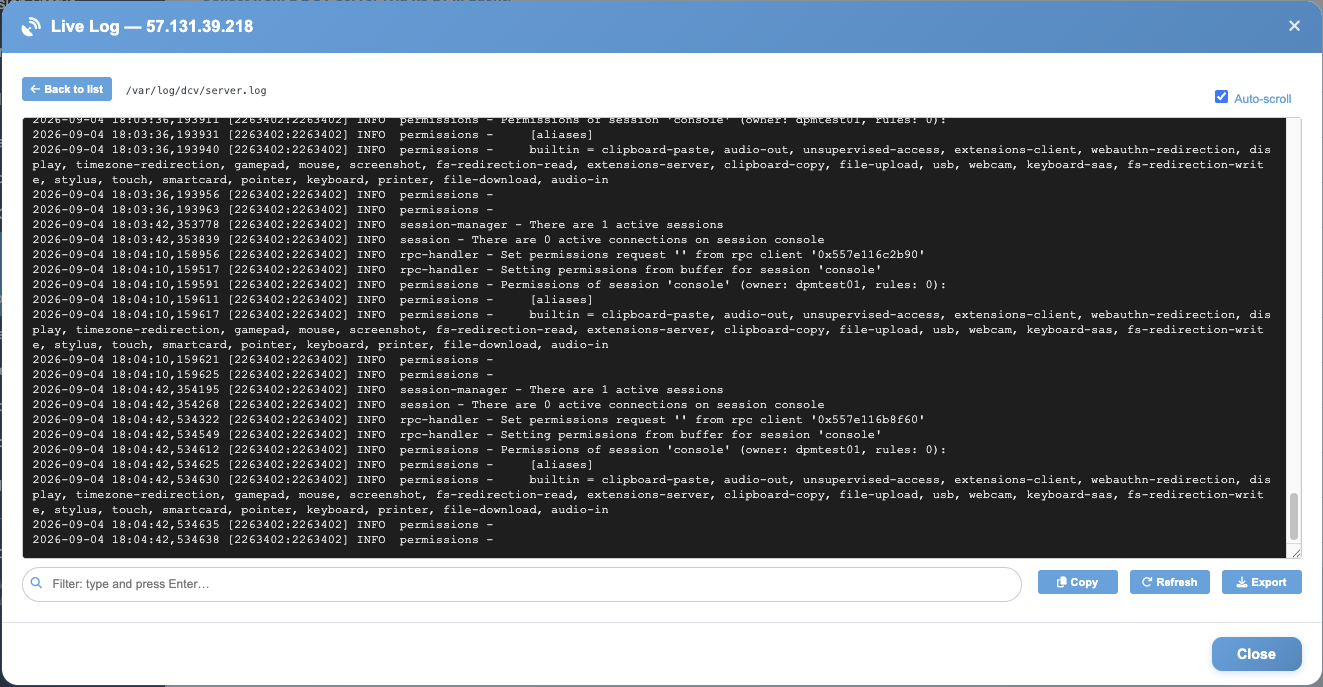
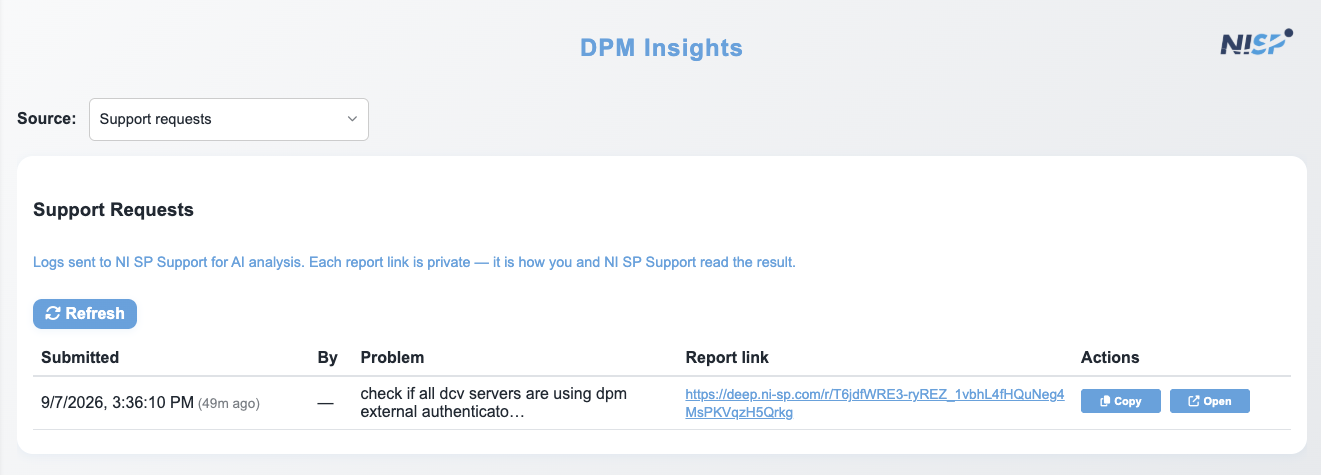
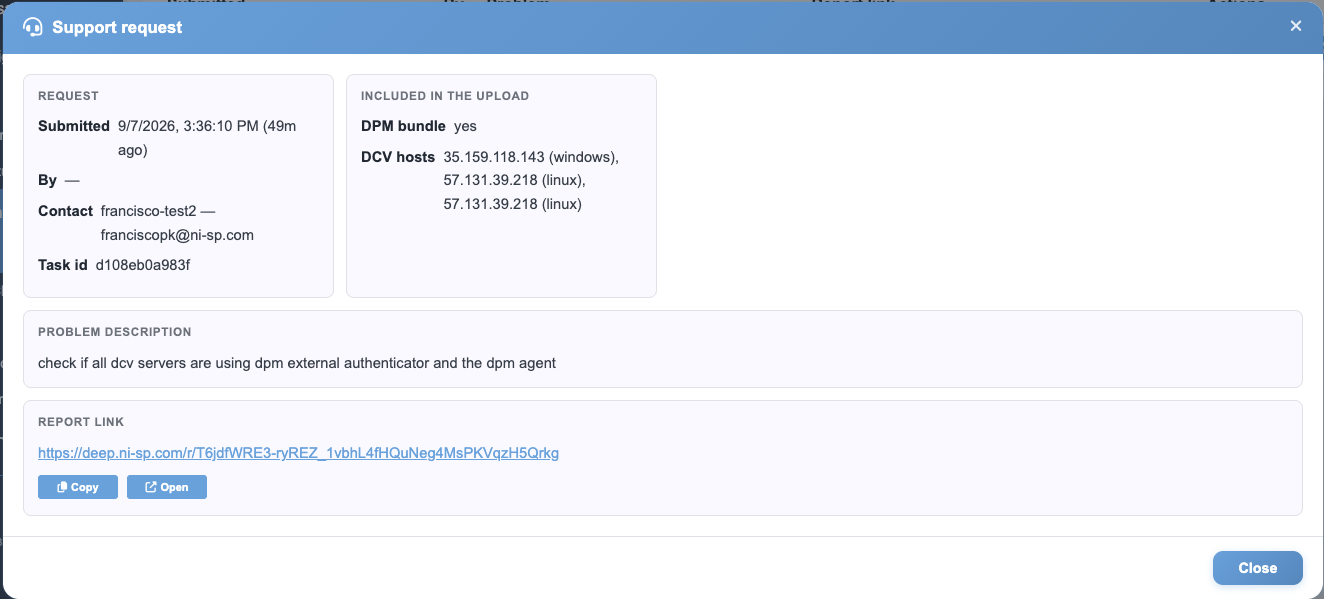
Pull a full DCV server log bundle from any host in one click (no SSH, no shell access needed). Stream logs live with per-tag filtering. Session metrics, RTT, bandwidth, packet loss, and GPU load are visible per session in the DPM dashboard or a Grafana integration.
DPM AGENTS (OPTIONAL)
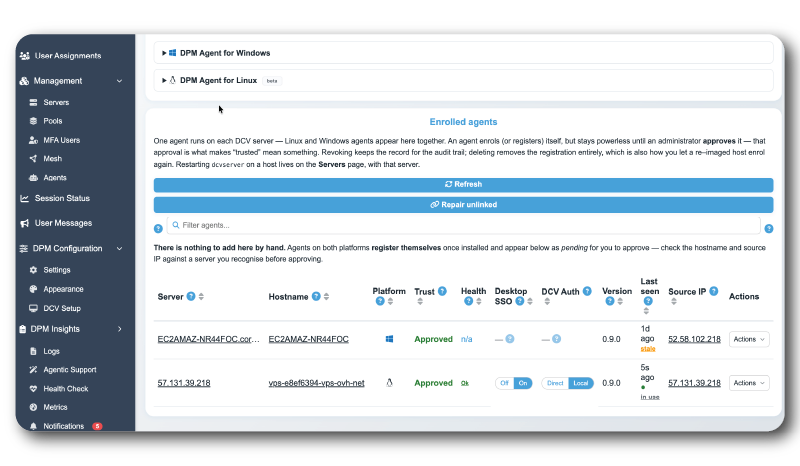
Install the lightweight DPM Agent on your DCV servers to unlock remote management without shell access: apply DCV parameters, restart services, monitor host health, and collect logs: all from the browser-based admin interface.
AGENT HEALTH DASHBOARD
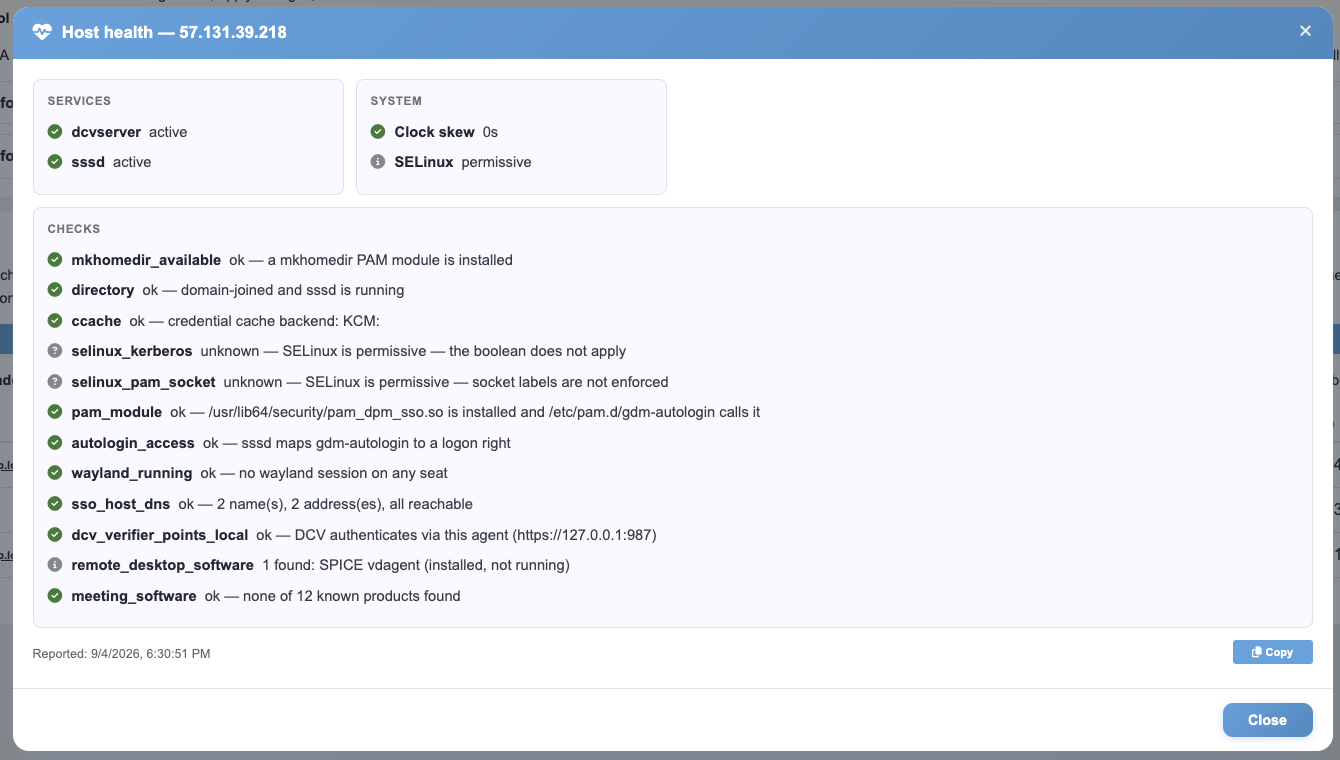
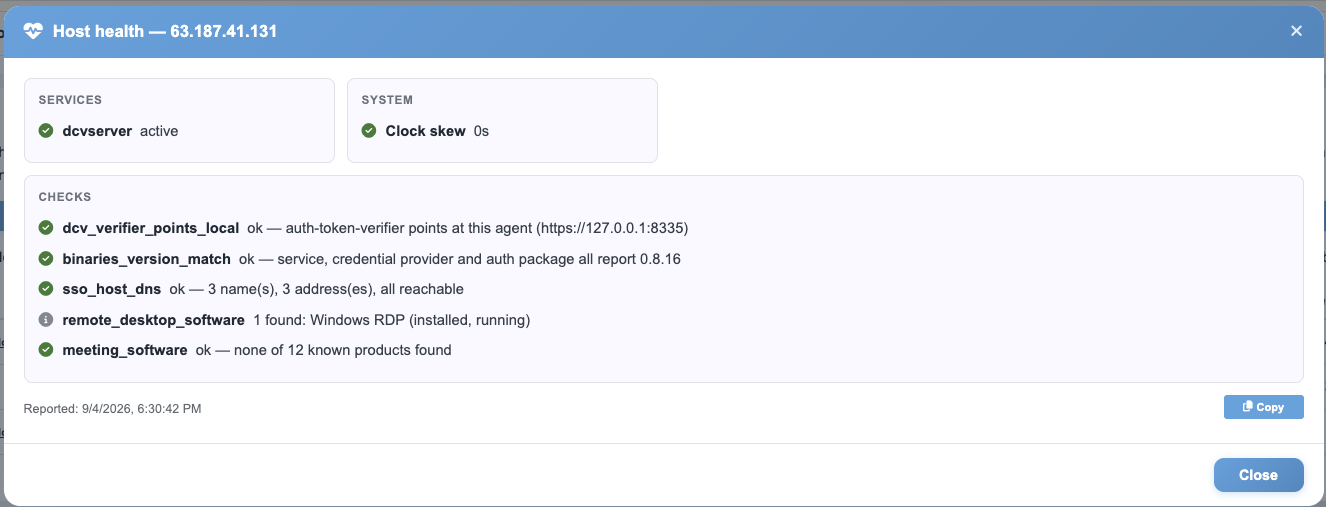
Check any DCV server from the server itself. The local health page of the DPM Agent gives administrators live DCV server information on that host, with or without the DPM dashboard, and even when the gateway is not in the path. Troubleshooting starts in seconds, not in a ticket.
POWER CONTROL
Power workstations on, off, or reboot them directly from DPM via BMC: no physical access, no out-of-band tools. Administrators and optionally end users can manage their own workstation power state from the same interface they use to connect.
MULTI-PROTOCOL ACCESS
DPM goes beyond DCV: manage SSH sessions, RGS connections, and Web RDP sessions from the same pools, the same user assignments, and the same admin interface. One broker for your full remote access stack.

WHAT CUSTOMERS SAY

Ready to take control of your DCV infrastructure?
Contact us to request a free trial or learn more about deploying DPM in your environment.

FREQUENTLY ASKED QUESTIONS
DPM is DCV‘s native session and fleet management layer. It sits in front of your DCV servers and handles user access, connection brokering, pool assignment, session monitoring, and server operations: all from one browser-based dashboard. Think of DCV as the engine and DPM as the fleet manager.
No. DPM works agentless: it integrates directly with DCV Connection Gateway, so your DCV servers never need to be exposed to the internet.
The optional DPM Agent adds single sign-on, log collection, and a local health page where an administrator can inspect a DCV server directly, independently of the DPM dashboard.
Yes. A free trial of DPM is available. Contact us to get started: we’ll set you up and guide you through the initial configuration.
DPM is priced at $90/seat/year: the same as DCV. If you’re already running DCV, you can add fleet management at no additional complexity cost. A DCV + DPM bundle is also available.
Generic brokers treat DCV as one protocol among many. DPM is purpose-built for DCV by DCV specialists: it understands DCV session failures, collects DCV host logs (no SSH access needed), syncs DCV server parameters across your fleet, and tracks DCV versions across servers. The result is deeper monitoring, faster diagnostics, and tighter integration than any protocol-agnostic tool can offer.
DPM runs as a Docker or Podman container stack in your DMZ: no per-server installation, no RHEL-specific dependencies.
A typical first deployment, from zero to a working pool with users and workstations, takes around 10 to 15 minutes.
MFA, LDAP, Active Directory, SAML, OIDC, RADIUS, PAM, Kerberos SSO (Windows and Linux, with no second password prompt), privacyIDEA, and local users.
DCV is the primary protocol and where DPM goes deepest. It also supports RGS (beta), SSH, and Web RDP, so mixed environments are covered.
DPM deploys alongside your existing DCV infrastructure without disrupting running sessions. Contact us and we’ll walk you through it (a DPM deployment typically takes 10 to 15 minutes), or start with the free trial on your current setup.
WHAT’S NEW IN DPM
7 major releases in the last 12 months
v2.7.1 Local console, device lock, one Gateway page and DPM Gateway logs

Other RESOURCES
- Discover DCV Remote Desktops for VFX
- GPU sharing with DCV
- NICE DCV Support and Technical Guides (Installation Guides, Tuning, ...)
- NICE DCV Installation Walk-Through (Video)
- NICE DCV Demo (Video)
- NICE DCV Product Codes and Features Overview
- Ready-Made AMIs on AWS Marketplace to kick-start your NICE DCV experience
- Comparison of NICE DCV and HP Anyware
- Comparison of NICE DCV and Parsec
- Comparison of NICE DCV and NoMachine
- What is Remote Desktop Streaming and How to Optimize it