AWS phased out Research and Engineering Studio (RES), and highlights NI SP’s EF Portal as a strategic long-term replacement for current RES users.
EF Portal brings 20+ years of EnginFrame experience to a portal that runs in your own AWS account with Amazon DCV, right where RES runs today, with additional capabilities and no licensing costs.
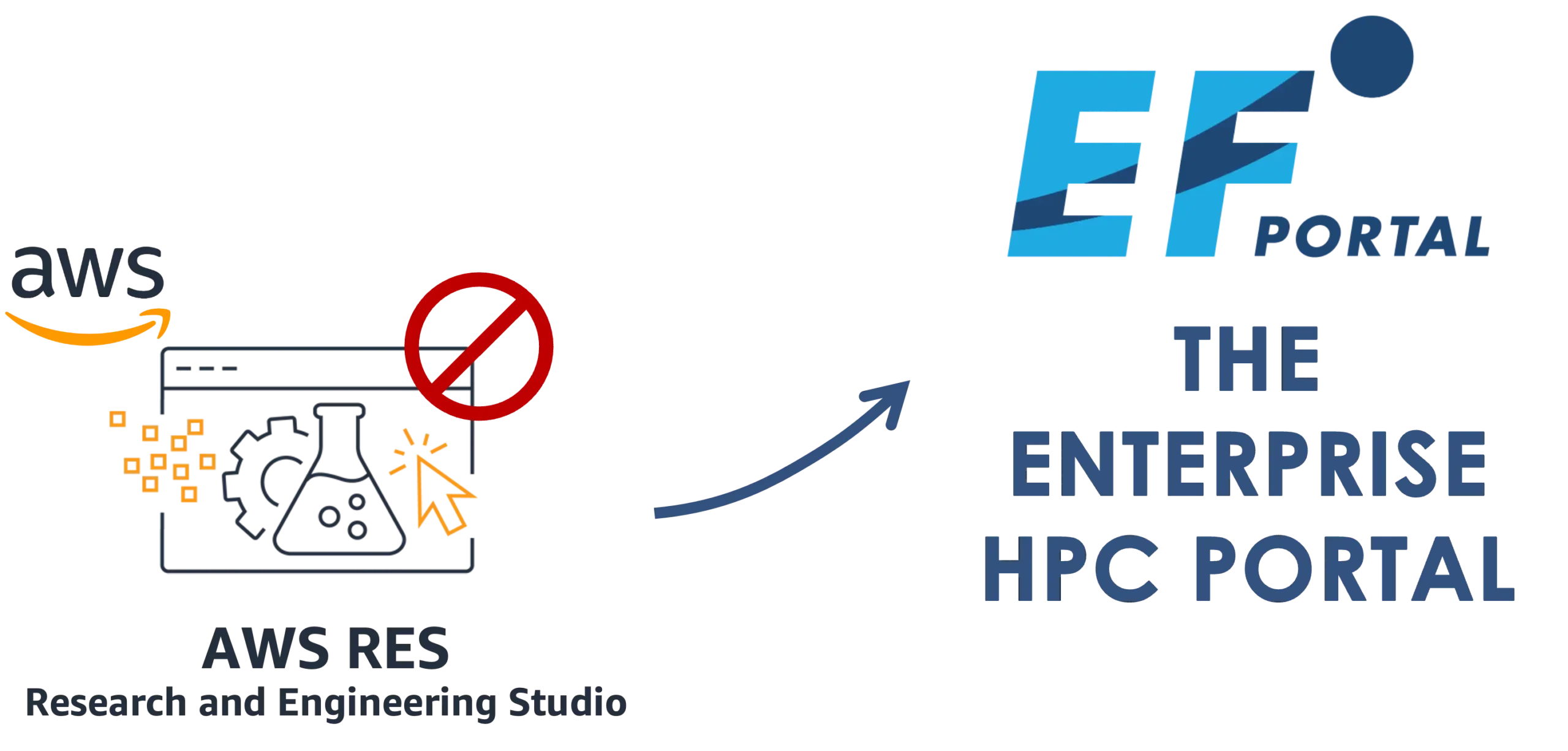
MIGRATING FROM RES TO A LONG-TERM SUITABLE SOLUTION
For teams that run Amazon DCV desktops through a web portal today, EF Portal is the closest fit. The web portal, the Amazon DCV sessions and the AWS-side deployment all come in one product, built by the team that has maintained this portal for years.
→ AWS highlights EF Portal as a strategic replacement solution on its announcement on the AWS HPC blog.
The Enterprise HPC Portal
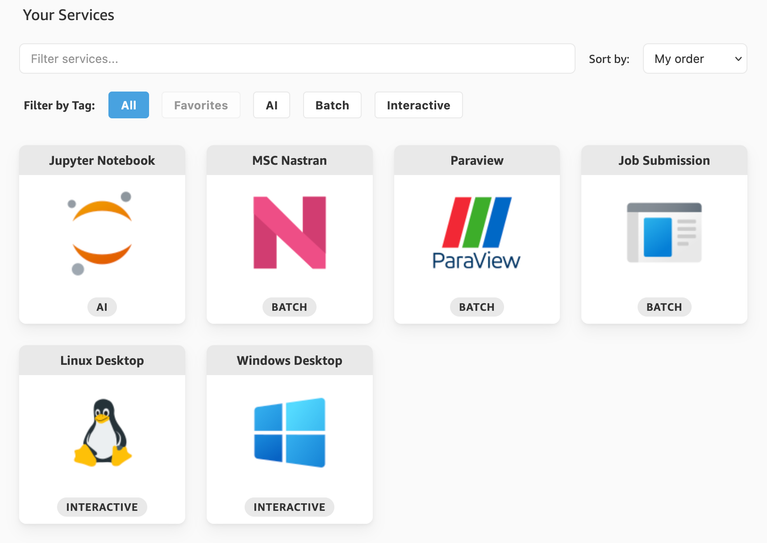
HPC Portal Services
The INDUSTRY-GRADE Enterprise portal with UNMATCHED track record
EF Portal is the continuation of EnginFrame, an HPC portal that has been in production with major industrial companies around the world for over twenty years, and still is actively developed and enhanced today. It is currently used by 5 of the 10 Formula 1 teams, and public use cases include Electrolux, LG Electronics and Volkswagen. EF Portal is very actively developed adding many new features with several releases a year.
And EF Portal keeps getting better! The latest release, 2026.1, gives users an Application Service Launcher and a unified Admin and User interface, and lets you preview agentic Active Insights, which help explain why a job failed. Earlier versions brought an Operational Dashboard for admins, a Web Proxy for web applications on compute nodes, and a Web Configuration Editor, plus real-time notifications and a Log File Viewer.

What EF PORTAL GIVES you, COMPARED TO RES
AWS describes RES as a web portal where scientists and engineers launch virtual desktops, with projects, software stacks, shared file systems, monitoring and budgets managed by administrators.
Here is how EF Portal capabilities map to RES:
| Capability | RES | EF Portal |
|---|---|---|
| A portal with corporate credentials | Single sign-on with LDAP and Active Directory, SAML, plus MFA, Microsoft Entra ID and other identity providers |
|
| Windows and Linux virtual desktops | Native Amazon DCV sessions for Windows and Linux, launched, monitored and reconnected from the browser or a native DCV client, with the integrated DCV Session Manager |
|
| Shared file systems and project data | A file manager with S3 locations, favorite places, file preview and editing, and remote spoolers over SSH and S3 |
|
| Software stacks for each project | Session and application preparation with customizable triggers, including at scale-out |
|
| Projects and access control | Authentication and authorization per user and group |
|
| Monitoring and troubleshooting | Admin/User panels and dashboards for active sessions and host nodes, GPU monitoring, EC2 details in the Session Manager host view, and Active Insights (preview) to explain why a job failed |
|
| Budgets per project | Accounting and Budgets |
|
| Collaboration in shared sessions | Interactive session sharing |
|
| Free licensing on AWS | Free on AWS EC2, with optional support from NI SP |
|
| Batch jobs from the browser | – | Submit and track jobs through forms & visual app launcher, with application templates and job history |
| Web Proxy | – | Web applications on compute nodes served through the portal |
| Admin tooling | – | Operational Dashboard, Web Configuration Editor, Log File Viewer, real-time notifications |
| Data handling & previewing | – | 2D/3D and video file preview, editing and drag-and-drop, with S3 and SSH spoolers |
The VDI layer: EF Views
For RES teams, the part of EF Portal that matters first is its integrated VDI layer, EF Views. It gives users a single place to launch, monitor and resume Windows and Linux remote desktops, gives admins panels to oversee sessions, hosts and services, and spreads sessions across host nodes through Amazon DCV Session Manager or a scheduler such as Slurm, LSF or PBS when your setup mixes VDI and HPC. It supports the QUIC UDP protocol for high-latency connections, and thumbnail previews can be switched off to meet company security policies.
EF PORTAL Runs in your AWS account, on the services you already use
EF Portal deploys into your own AWS account, which means the cloud footprint you built for RES stays where it is while the portal on top changes:
 Your AWS account
-
 Users and admins
NI SP EF Portal with integrated EF ViewsNI SP
One web portal where users launch, monitor and resume desktops, and admins oversee sessions, hosts and services.
- Sessions Amazon DCV Session Manager Creates and manages desktop sessions across your fleet of DCV servers. Need pooling? See DCV Pool Manager.
-
 Display protocol
Amazon DCV
High-performance streaming of remote desktops and applications to the user's browser or DCV client.
- Scaling Amazon EC2 Auto Scaling groups Adds and removes capacity to match demand, so desktops are ready when users are. See our Windows DCV auto-scaling build.
- Images EC2 Image Builder Builds, tests and distributes the machine images that carry your operating systems and applications.
- Network access Amazon DCV Connection Gateway One entry point that connects users to your fleet of DCV servers over your LAN or VPC.
License free on AWS EC2
RES was free of charge, so is EF Portal on AWS: there is no license file and no license server, you only pay for your AWS resources as you do today, and NI SP can offer optional support. The details are in the Admin Guide and in the EnginFrame to EF Portal migration FAQ, and the practical effect is that a first evaluation on your own AWS account costs you the instance time and nothing else.
Beyond desktops: HPC jobs in the same portal
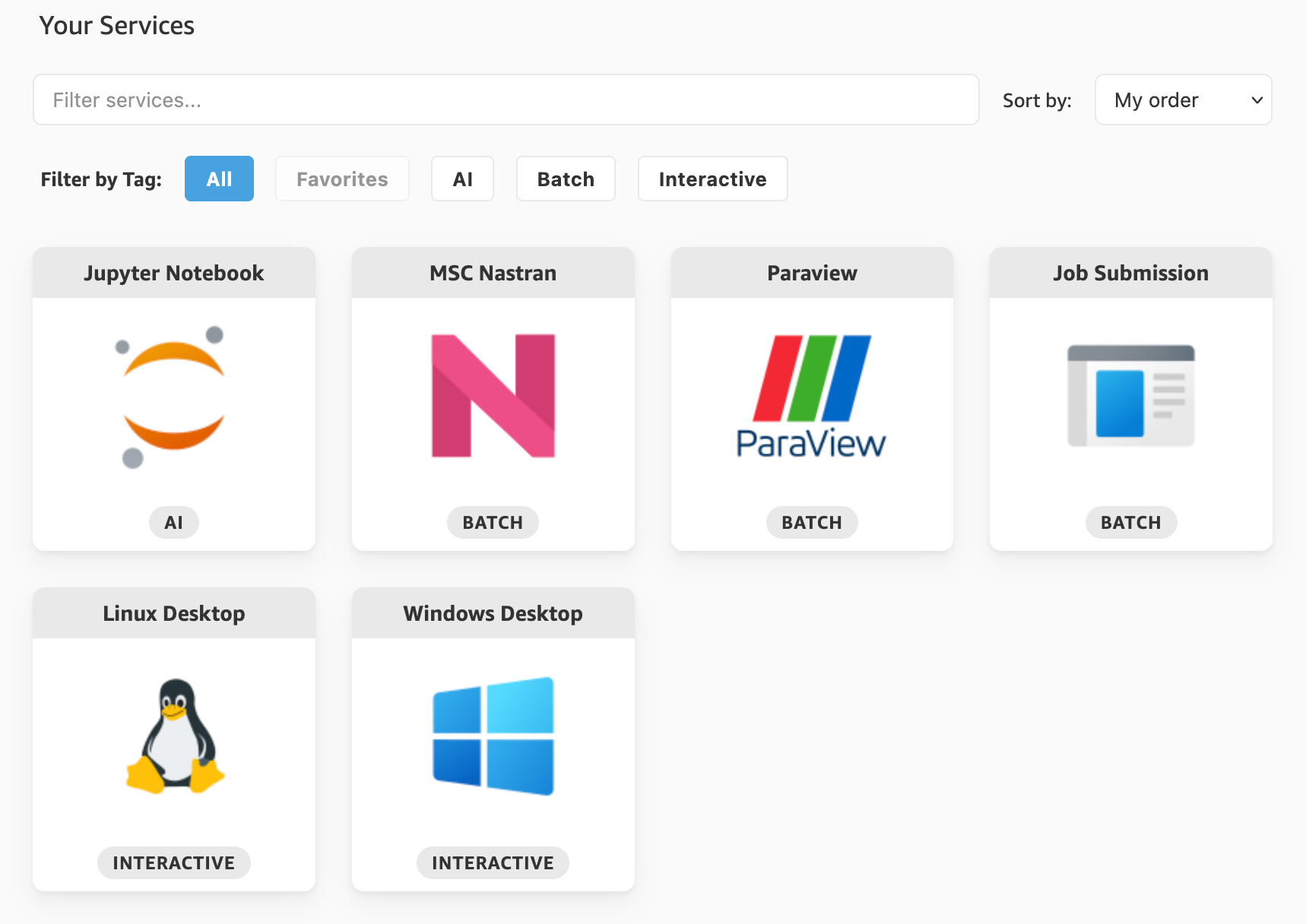
Teams that run both desktops and batch work can submit jobs from the same portal, using forms with application templates and job history, on Slurm, LSF, PBS or Gridware/Gridengine schedulers, which is how EF Portal ends up serving VDI and HPC in one place. If you are weighing it against other portals, our HPC portal selection guide lists the questions to ask, and the HPC portal fit score gives you a quick answer for your team.
How to migrate from RES to EF Portal
This is how we recommend approaching the move, and our team can accompany every step:
- Take stock of your RES environment. List your projects, software stacks, desktop types, shared file systems and directory setup, and share them with us so we can map each to its EF Portal equivalent, using the table above as the starting point.
- Install EF Portal in your AWS account. The license is free on AWS EC2, so you can follow the installation guide or get EF Portal and DCV running in 2 minutes and test with your own applications while RES keeps running.
- Move users and applications with expert help. Our HPC Services team sets up and supports EF Portal for enterprise teams, and its three AWS-focused builds (a multi-region view that respects AWS EC2 capacity reservations, queue governance, and Windows DCV auto-scaling) show the kind of work involved.
- Go live and stay current. NI SP support covers your production environment, and new capabilities such as Active Insights arrive with each release.
HPC Portal Services
Try EF Portal NOW, on your own AWS account
Because the license is free on AWS EC2, the quickest way to judge the fit is to download EF Portal and run it next to your current RES setup with one of your own applications. If you would rather talk first, contact the team with a short description of your RES environment, and we'll show you how it maps.
The Enterprise HPC Portal
Frequently asked questions
Yes, in principle, since EF Portal installs in your AWS account and the license is free on Amazon EC2.
EF Portal signs users in through LDAP and Active Directory and offers S3 locations in its file manager.
No: AWS provides Amazon DCV at no charge on Amazon EC2, and EF Portal's own license is free there too.
The license is free on Amazon EC2, with no license server, and NI SP charges only for optional support; see the Admin Guide and the EnginFrame to EF Portal FAQ on the EF Portal page.
Support covers your production EF Portal environment, and the HPC Services team helps with setup and migration; contact us for the scope that fits your environment.